
OWNER keeps you up to date by email and, if you use the app, with push notifications. Here's which notifications there are and where to change them.
In this article
Which notifications are there?
| Notification | Where do you change it? |
|---|---|
| New listings for a saved search | On your saved search: email, push notification or both. See Saving a search. |
| Available properties from a landlord you follow | Via the bell icon on the landlord's page. |
| A property becomes available | On the property for which you requested a notification. |
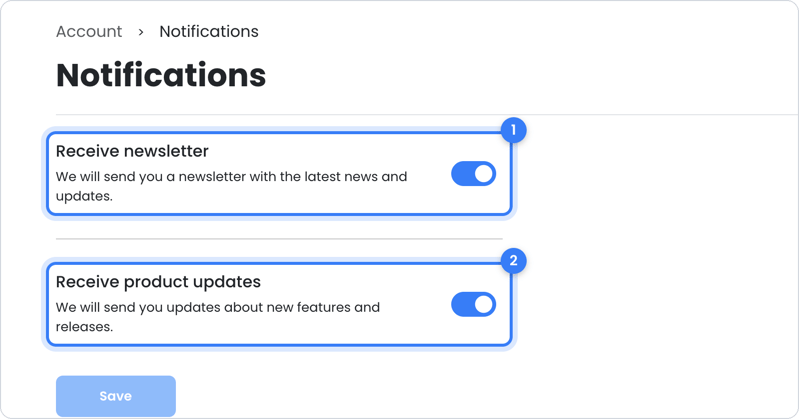
| Newsletter and product updates from OWNER | In your account, under Notifications. |
| Invitation to your rental contract | Sent by your landlord; you don't choose anything here. |
| Reminders for a sales invoice | Decided by your landlord. |
Changing notifications in your account
- Click your profile picture in the top right and choose Account.
- Open Notifications.
- Choose whether you want to receive the OWNER newsletter and product updates.
Did you get a reminder for a sales invoice you've already paid? Then contact your landlord.
Still need help?
Question about your rental, your rental contract or a sales invoice? Contact your landlord. Your landlord manages your rental and decides what you see in OWNER.
Question about your OWNER account? Contact OWNER support:
- Chat: via the help center – choose ‘I am a tenant’ and use the chat button in the bottom right
- Email: support@owner.app
- Call or WhatsApp: +31 591 799 602