
A good placement stands out both online and on the street. With these tips, you'll get more and better responses.
In this article
Stand out online
- Photos: sharp, bright and from different angles. Placements with good photos get responses faster.
- Facilities: check everything that's available. Searchers filter on it.
- Title and description: short, concrete and honest.
- Post on time: put a unit online before it becomes available. Visitors can then request a notification, and searchers with a matching saved search are notified automatically.
- Your own website: show your placements there too with a website widget.
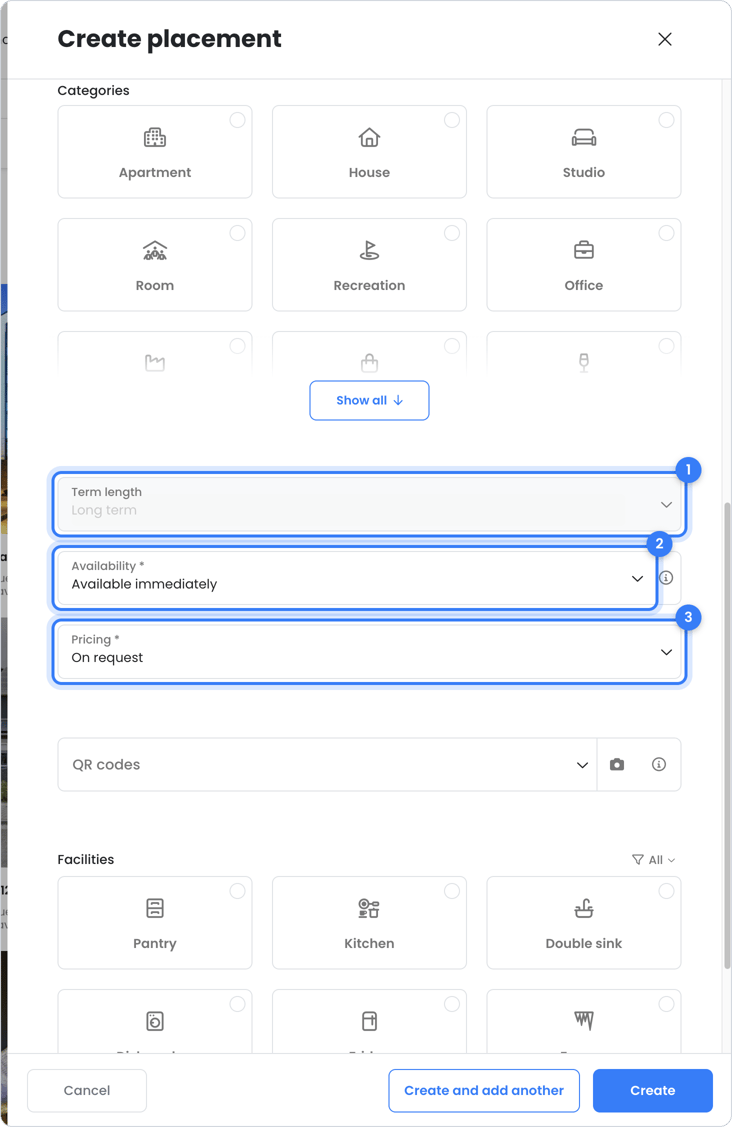
Posters and signs with a QR code
A for-rent poster or sign on your building also attracts passersby. The QR code takes interested people straight to your online placement. You can order them in the OWNER shop. There are two types:
Flat poster
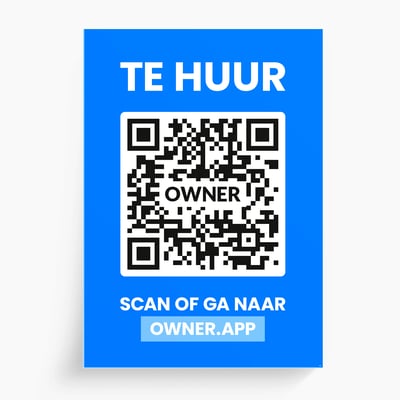
Do people walk straight toward your building, or are you worried that a projecting sign might get damaged? Then choose the flat poster. You stick it on the inside or outside of the window; you can order adhesive pads in the shop.
V-sign
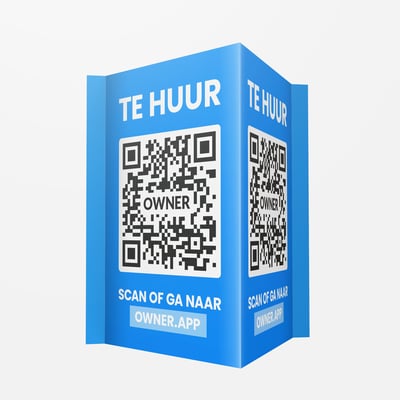
Do most people walk parallel to your building at a short distance? Then choose the V-sign. It sticks out, so it's right in their line of sight.
Choose the right size
A poster that's too small is hard to scan. Choose the size based on the distance at which people pass by:
| Maximum scanning distance | V-sign | Flat poster |
|---|---|---|
| 10 meters | 70 x 50 cm | A2 |
| 15 meters | 100 x 70 cm | A1 |
| 20 meters | 140 x 100 cm | A0 |
Tip: you can link multiple posters and signs to one placement. Feel free to combine different types so your building stands out from every side.
Still need help?
Contact support:
- Chat: via the help center (chat button in the bottom right)
- Email: support@owner.app
- Call or WhatsApp: +31 591 799 602